| Exporter, Wholesale, Manufacturer | |
| Tehran |  |
| +989122003350 | |

- Price :negotiated
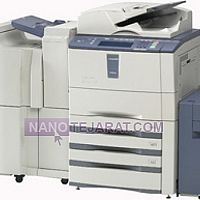
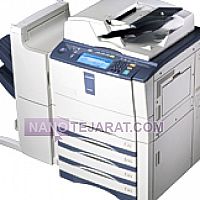
TOSHIBA ESTUDIO 450 , Iran
- Price :To negotiate
- order by whatsapp
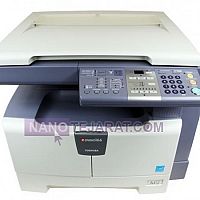
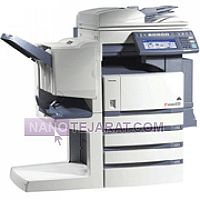
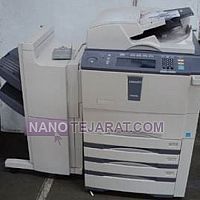
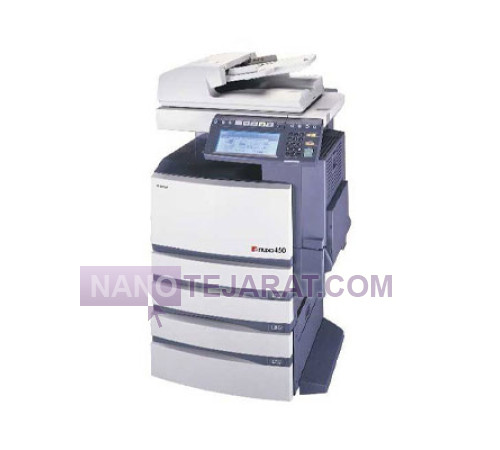
The Toshiba e-STUDIO 450 copier provides black-and-white printing at 45 pages per minute with 600 × 600 dpi resolution. Standard memory is 256 MB, expandable up to 1 GB. The standard paper tray holds 500 sheets, expandable to 2,100 sheets with optional trays. The CCD scanner operates at 30 pages per minute, and the automatic document feeder ADF supports up to 100 sheets for multi-page copying and scanning. Connectivity includes USB 2.0, 10/100Base-T Ethernet, and network printing support. Power consumption is 80 W in standby and up to 1.5 kW during operation.
Structurally, the machine features a drum with a lifespan of 60,000 pages, a toner cartridge capable of 20,000 pages, and a thermal fusing unit operating at 180–210°C. A steel chassis and durable plastic body provide industrial strength. Internal ventilation regulates component temperature, and built-in software allows adjustments for print quality, contrast, and toner savings. This copier is ideal for medium to large offices and daily print volumes up to 30,000 pages.You can order and buy TOSHIBA ESTUDIO 450 from Iran by contacting us through whatsaap and email.
WEBSITE: TOSHIBA ESTUDIO 450 Iran
Troubleshooting Common Issues in the Toshiba e-STUDIO 450 Copier
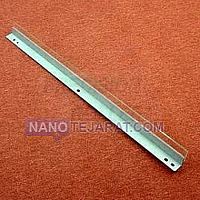
The Toshiba e-STUDIO 450 may encounter printing, scanning, or paper feed problems. White or black lines, shadowed images, or toner spots are often caused by worn drums, blades, or hot rollers. Frequent paper jams usually result from dirty feed rollers, paper belts, or misaligned trays. Faded prints, reduced clarity, or uneven text/images are often due to non-original toner/developer or fuser and heat roller issues. Software errors or network connectivity problems can also prevent proper printing, scanning, or faxing. Regular cleaning, using original parts and toner, and checking device settings resolve many issues and extend device lifespan.